Stop losing signals.
Put every real inquiry, question, reply, and objection in one visible place before adding tools.
Guide 06 / SP-CUS-06
Turn useful content and guide interest into customer conversations, objection capture, proposal snapshots, proof, and human-approved follow-up.
Build the customer trackerUse customer bridgeBridge to delivery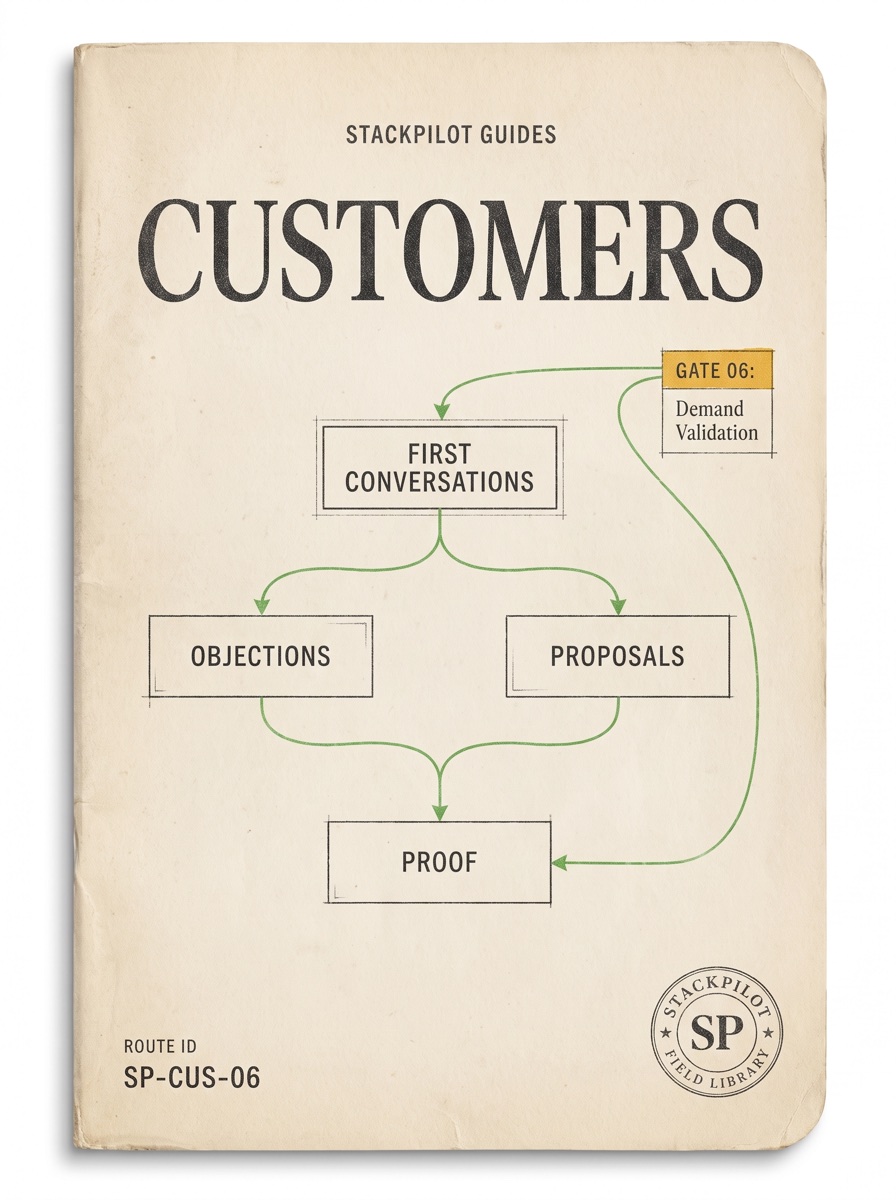
Mission outcome
Put every real inquiry, question, reply, and objection in one visible place before adding tools.
Capture exact customer words, sort objections, draft next steps, and improve offers from repeated language.
Use AI to summarize, classify, draft, and remind, while humans approve every customer-facing action.
Signal, person, problem, fit, next step, follow-up, and proof.
Raw market language grouped by price, trust, timing, complexity, DIY, and doing nothing.
One-screen scope, promise, boundaries, first deliverable, review points, and next decision.
Source rule
Every customer action starts from a real signal: form fill, reply, call note, comment, diagnostic result, referral, inquiry, or delivery question. If there is no real signal, label it as a hypothesis.
10-year-old mode
Write down who they are, what they asked, what they need next, what you promised, and when to follow up. AI can organize notes. A person approves every message.
From Guide 05
When a content asset, lead magnet, guide section, email draft, or proof block creates a real response, use the bridge pack before any follow-up. It turns the signal into a customer tracker row, objection/proof request, proposal snapshot, and human-approved follow-up plan.
Name the post, email, guide, worksheet, proof block, or local file that created the signal.
Capture the reply, question, objection, or proof request before polishing it into copy.
Draft the tracker row and follow-up locally. No auto-send, no live CRM writes, and no customer-facing action without approval.
Guide 06 → Guide 07 bridge
The Delivery Bridge Pack converts one approved customer/proposal commitment into a Guide 07 fulfillment checklist, handoff note, revision boundary, proof-capture request, and SOP update. It stays local and review-only: no sending, publishing, CRM writes, live customer-system action, checkout, analytics, account work, or deployment.
Use the proposal snapshot and customer words to write one plain delivery promise and done condition.
List inputs, work blocks, QA checks, human review, handoff, and revision boundary before AI assists.
Request proof only with permission, remove private details, and save the repeatable SOP improvement.
Customer tracker
Form, email, DM, comment, call note, diagnostic, referral.
Name, role, business/context, and decision power if known.
Capture their exact words before translating.
Good fit, maybe later, unclear, or no fit.
Question, call, proposal, resource, or no-fit reply.
Use real reasons, not pressure.
Objection, quote, result, testimonial permission, or guide update.
Where did this inquiry or conversation come from?
What exact words did they use for the pain?
Good fit, maybe later, unclear, or no fit?
What is the smallest honest next step?
What reply or proposal should a person approve?
What can improve the offer, FAQ, content, or delivery?
Intermediate workflow
Save the real source and exact customer language.
Question, objection, price, trust, timing, fit, proposal, or proof request.
AI may prepare. Human reviews before sending.
Record the outcome, objection, and useful next date.
Advanced workflow
Create statuses for new signal, needs reply, waiting, proposal sent, follow-up due, won, lost, no fit, and proof captured. Give AI only approved local notes and named draft actions: summarize, extract objection, draft reply, draft proposal snapshot, suggest FAQ update, and create local files.
Draft-only AI customer loop
Inquiry triage
Objection library
Proposal snapshot
Use the customer's words. “Leads are coming from everywhere and nobody knows who followed up.”
One visible lead map, owner review rhythm, and safe AI draft loop.
Included: workflow map, tracker, follow-up checklist. Not included: CRM migration, outbound sending, paid ads.
Approve the small audit/setup step, or choose the no-fit resource.
Bad follow-up
Good follow-up
You are ready when every signal has a visible place, every reply is human-approved, and every objection becomes learning.
AI may summarize, organize, classify, draft, score, route, remind, and create local draft files. Human approval is required before sending, DMing, calling, posting, contacting, changing live CRM/account records, quoting final terms, accepting payments/contracts, or publishing proof.
Keep the checklist
Get the free AI business checklist now. Later you get a short note only when a guide changes or a new kit ships. One email to [email protected] unsubscribes you.